
New Omni Bank

FDIC-Insured - Backed by the full faith and credit of the U.S. Government.


FDIC-Insured - Backed by the full faith and credit of the U.S. Government.

New to the U.S.
  • Home
  • /
  • Upgraded Online & Mobile Banking

Upgraded Online & Mobile Banking

Simple. Secure. Seamless — for both Personal and Business Clients

A person using a digital tablet to view their New Omni Bank online banking in a relaxed setting.

A New Chapter in Banking Convenience

Welcome to New Omni Bank’s upgraded digital banking experience. You can now access all your personal and business accounts from a single, unified online banking platform.

Below, you’ll find everything you need to know — including how to log in for the first time, what to review after the upgrade, and how to download our mobile app.

Explore the Upgraded Platform

Experience New Omni Bank’s unified online banking system — redesigned for simplicity, security, and seamless access across all your accounts.

Quick Links

First-Time Login: Step By Step

You can click on the images to view the enlarged version.

Visit newomnibank.com and click the LOG IN button (circled in the screenshot).

Personal and Business clients now sign in from the same unified login page.

Enter your current User ID and the temporary password from the secure message sent to your Online Banking inbox on Monday, November 24, 2025.

If you did not view the message, please reach out to the Digital Banking team at (626) 626-9850.  

Create your new password.

Complete the security verification questions.

Verify your email address to ensure secure account access.

If your password matches one exposed in a known third-party breach, you’ll be prompted to choose a stronger one.

(Optional) Enable two-factor authentication via Duo Mobile or security questions.

Review and accept the Internet Banking and Bill Payment Agreement.

You’re all set — welcome to your upgraded platform.

What to Do and Be Aware of After Logging In

Below is a summary of what carries over automatically and what requires action.

For Consumer Clients

Bill Pay

Please re-enter all payees to avoid delays.

Recurring External Transfers

Please re-establish your recurring transfers.

Account Alerts and Nicknames

Most alerts and nicknames will transfer automatically; however, some custom alerts may not appear in the new system. Please review your alert settings and re-enable any alerts you want to keep.

Loan Details

Your loan number appears without the first two digits. This will not affect your payments or servicing.

Additionally, you can now view more loan details online, including payment history and balances.

For Business Clients

User Access and Permissions

If your business has multiple users, non-administrator access continues to be available.

Please review user roles and permissions after logging in.

Bill Pay

Please re-enter all payees to avoid any missed or delayed payments.

ACH, Wire, and Positive Pay Templates

Your templates continue to be available to you. We recommend reviewing them to ensure everything is correct.

Account Alerts and Nicknames

Most alerts and nicknames will transfer automatically; however, some custom alerts may not appear in the new system. Please review your alert settings and re-enable any alerts you want to keep.

Commercial Loans

You can now view expanded loan information online, including payment history, interest rate, loan amount, and current balance.

Scheduled loan payments will continue without interruption.

Autobooks

If your business uses Autobooks, all existing payees must be re-established.

December Statements: What to Expect

Due to the system upgrade, your December 2025 statements will follow a special schedule:

First Statement (Dec 1–4)

  • Paper statement dated December 4
  • Includes all activity and interest accrued through Dec 4

Second Statement (Dec 5–31)

  • Covers activity from Dec 5 to Dec 31
  • Interest will post on your regular schedule
  • Format depends on your statement preference: online banking users will receive e-version, and non-online users will receive paper version.

Access to Past Statements

  • Full historical activity will be available starting February 6, 2026 (approximately 60 days after launch).

The New Omni Bank App

Bank securely on the go with our app for both iOS and Android.

Key Features

  • View balances, transactions, and loan details
  • Transfer funds between accounts or to external banks
  • Manage payees and pay bills
  • Receive account notifications and alerts
  • For business clients: deposit checks, send wires, approve ACH transactions, and manage user permissions

Download the App

Download on the App Store
Get it on Google Play
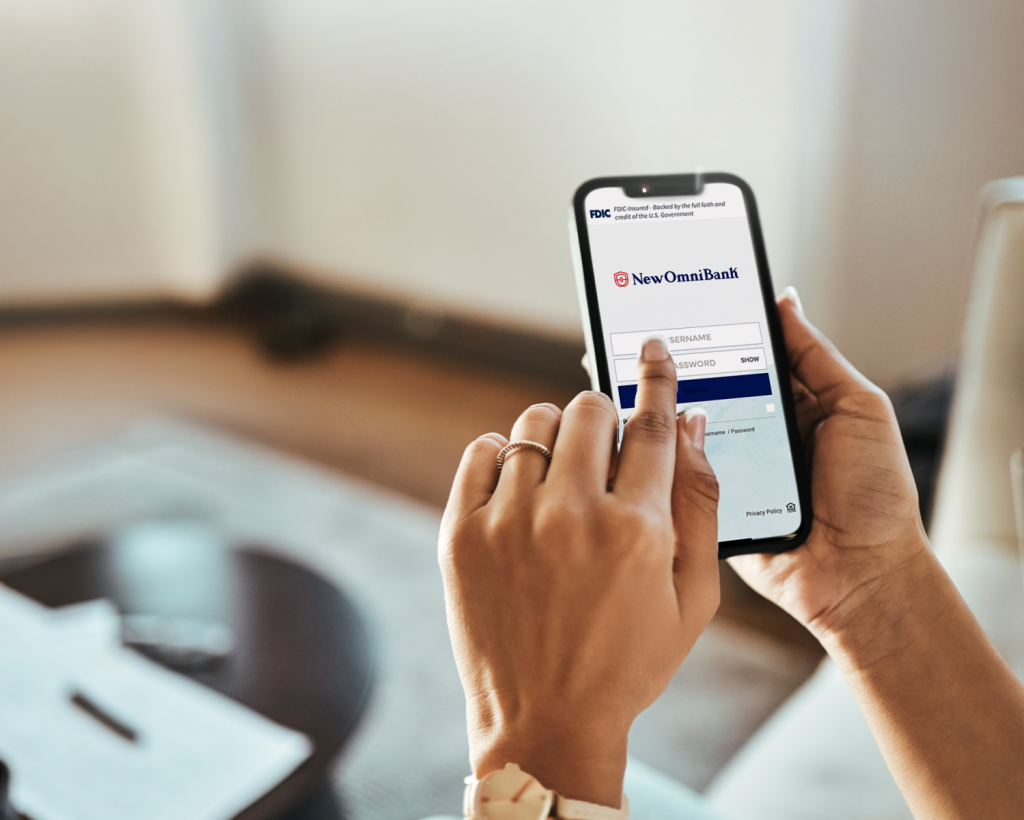
A hand holding a cellphone that shows the login page of New Omni Bank’s banking app.

Looking Ahead

This system enhancement is just the beginning for all New Omni Bank clients. Soon, you’ll see new digital capabilities including:

  • Mobile Check Deposit for personal users
  • Person-to-Person (P2P) Payments
  • Quicken® & QuickBooks® integration for business accounts
  • Online chat support

These features will roll out gradually in 2026. We’ll keep you informed as each one becomes available.

Need Assistance? We’re here to make your transition simple and worry-free.

If you’d like to enroll in Online Banking or have questions about our digital services, you can reach us through: For your security, please avoid sharing sensitive or confidential information in your message.

Get in Touch.

To help put you in touch with the right team, please answer the following questions.

top
About New Omni Bank

Insights

Stay informed about our organization, and the financial services industry.

Search